

What it’s for
The KYC API runs a full KYC identity check (KYC: know your customer, confirming a customer is who they say they are) from your own onboarding app. You send one call toPOST /v1/verify/idp with:
- the ID document image, front and, for cards, back
- a liveness capture: short video or camera frames that show a real person was in front of the camera
- the customer’s ID number, names, date of birth and gender
id at once, and the result arrives by webhook or from GET /v1/verify/{id}.
Keys, test mode, rate limits and the general error format are in Quick start.
Who can use it
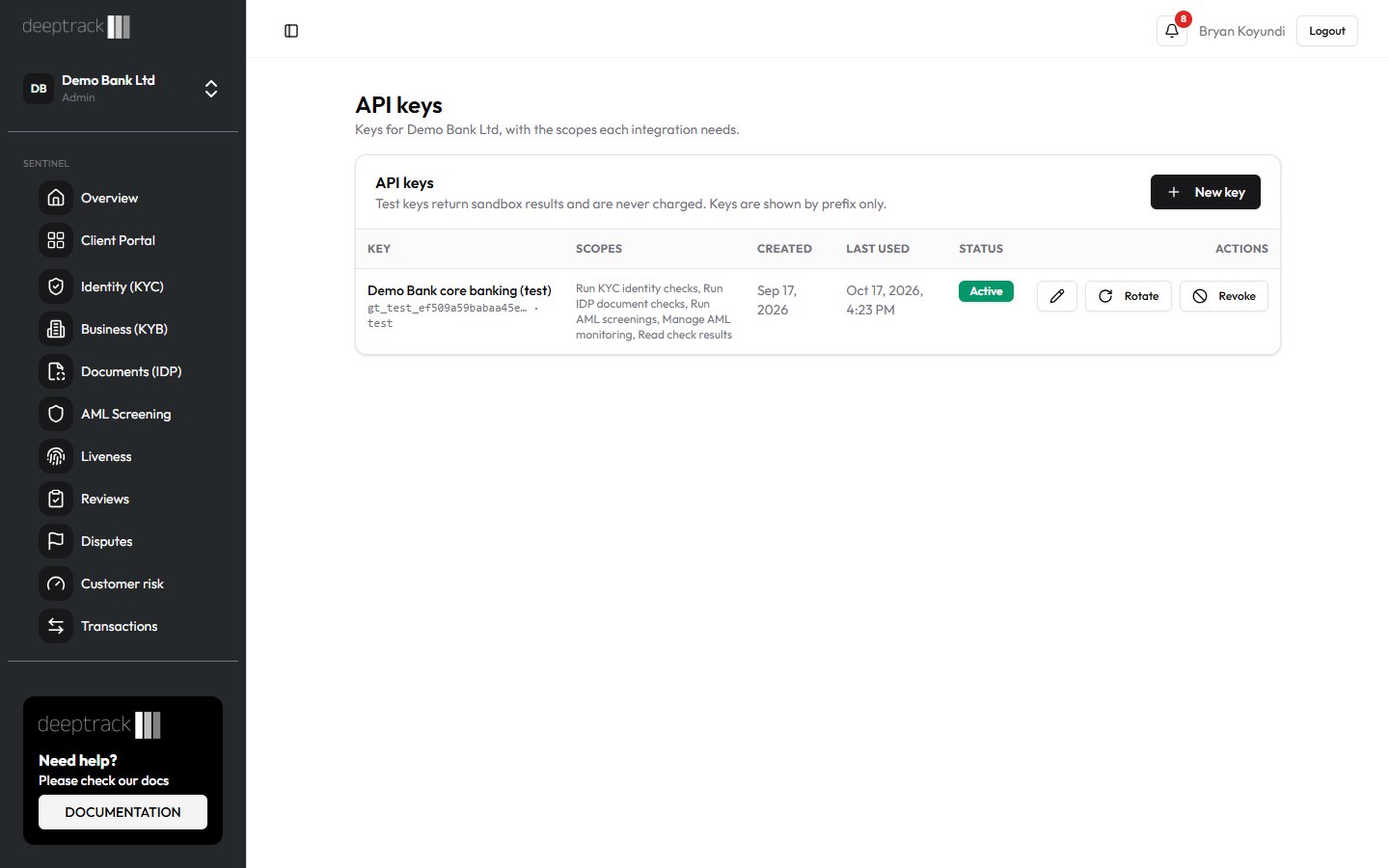
- Any system holding an API key for your organization with the Run KYC identity checks scope (
verify:kyc). To read results by polling, the key also needs Read check results. - Admin and Developer create keys and choose their scopes on the API Keys page.
- Everyone in your organization can see API checks on the Identity (KYC) page. Your team decides checks held for review in Reviews. See B11 Deciding a review case (in Sentinel’s in-app Help).
Step by step
The examples read the key from theSENTINEL_API_KEY environment variable, for example gt_test_.... The examples use Sentinel’s production address, https://robust-parakeet-542.convex.site. If API Keys shows a different API address for your organization, use that.
Prepare the media
- ID image: a JPEG or PNG of the document. Send the front in
documentFrontBase64. For an ID card or driving licence, send the back indocumentBackBase64. - Liveness capture: either a video, MP4 (
livenessMediaType: "mp4") or WebM ("webm"), or JPEG frames (livenessMediaType: "jpeg_frames"). For frames, join one or more JPEG files byte for byte, then base64-encode the result as one string. - Encode each file as plain base64, without a
data:prefix. Each media field can be at most 1,000,000 base64 characters, about 730 KB of file. Resize or compress larger images first.
Send the check
curl
Node (built-in fetch, Node 18+)
Python (requests)
202 with status queued. Keep the id.
Collect the result
- Wait for the
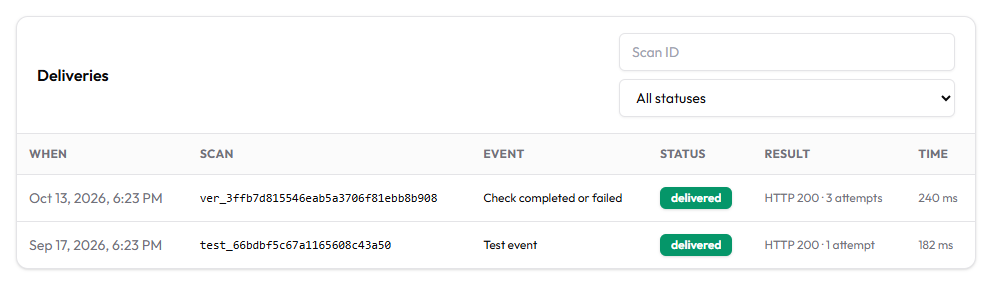
sentinel.scan.completewebhook withproductkyc. Itsresultholds every step’s output. See Webhooks. - Or poll
GET /v1/verify/{id}untilstatusiscompletedorfailed. This returns theverdictbut not the step details. See Results and credits. - If the verdict is
review, your team decides the case in Reviews. You then getsentinel.review.decided, or a secondsentinel.scan.completewith the final verdict.
What each result means
Request fields
Each media field is at most 1,000,000 base64 characters. The API doesn’t check the format of the text fields. Send the date of birth as YYYY-MM-DD.
Response to the POST (202)
Verdicts
The steps in result
Liveness and the document scan run first. If either needs review, IPRS and AML don’t run and are missing from result.
A step that couldn’t reach its provider shows
"error": "provider_error", and the check goes to review.
Errors specific to this call
Other errors are in Quick start.
Common questions
How many credits does a KYC check cost?
1 credit on KES plans. On USD plans it is 130 credits on Starter and Trial, 75 on Growth, 63 on Business and 45 on Enterprise. The AML step is included. A pass or reject is charged when it completes, a review when your team decides it, and a failed check isn’t charged.Can I send a selfie instead of a liveness capture?
No. The API has no selfie field, and the liveness fields are required. A still photo can’t prove the person was present. For a selfie-only flow, use the dashboard or a capture link, which end in review. See B3 Capture links (in Sentinel’s in-app Help).Does Sentinel keep the images?
No. The images go to the checks and are not stored with the check. Sentinel keeps the names, ID number, date of birth, gender and the step results for your retention period, 7 years by default.What does a test key return?
status completed, verdict pass and sandbox: true at once, with no providers called and no charge. The request is still validated, so a missing field or an oversized image still fails.
Why is there no reason text for a KYC result?
GET /v1/verify/{id} returns only the verdict for KYC checks. Read the step results in the webhook’s result, or open the report on the Identity (KYC) page.
How long does a check take?
Usually a few minutes. A provider timeout sends the check to review rather than leaving it waiting.Related guides
- Quick start
- Documents API
- AML and monitoring API
- Results and credits
- Webhooks
- B2 KYC identity checks (in Sentinel’s in-app Help)
- B10 Fraud signals explained (in Sentinel’s in-app Help)